What is confirmed
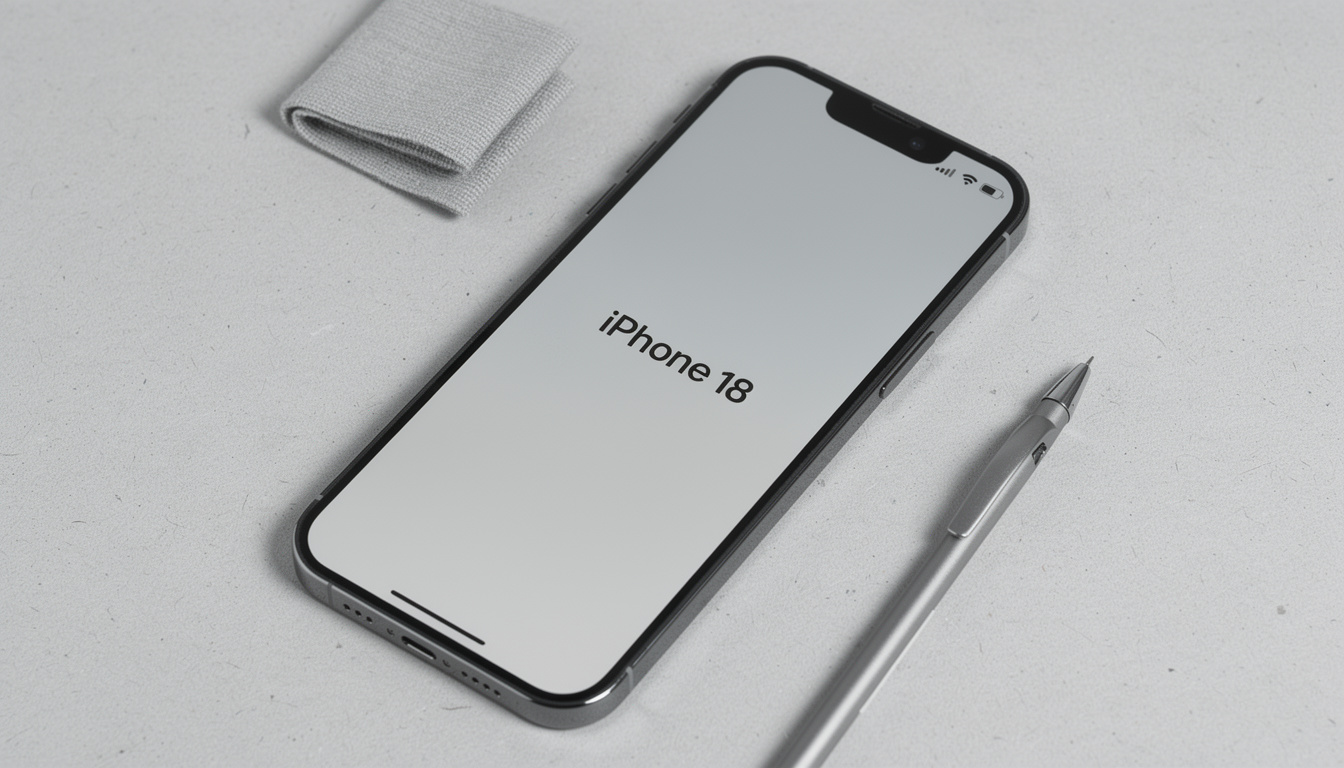
Updated September 28, 2026. The iPhone 18 Pro and Pro Max went on sale on September 18, 2026, with a USB-C port; Apple did not change the connector at its September event. Wired charging reaches 50% in about 15 minutes. The standard iPhone 18 is expected in spring 2027.
The iPhone 18 Pro uses a USB-C charger. Wired charging reaches 50% in about 15 minutes, and MagSafe wireless charging carries over at the 25W ceiling Apple set with the iPhone 17 line. The viral TikTok videos claiming Apple would switch to a Mac-style MagSafe-only design were wrong; USB-C stays.
This guide is written for professionals who charge their phones in airports, hotels, cafés, and rental offices, executives, journalists, consultants, and healthcare workers, where the wrong port or cable is not just a slow-charge annoyance but a data-exposure risk. You will get the charging specs, the cable and adapter to buy, and the security angle no other iPhone 18 charger article covers.
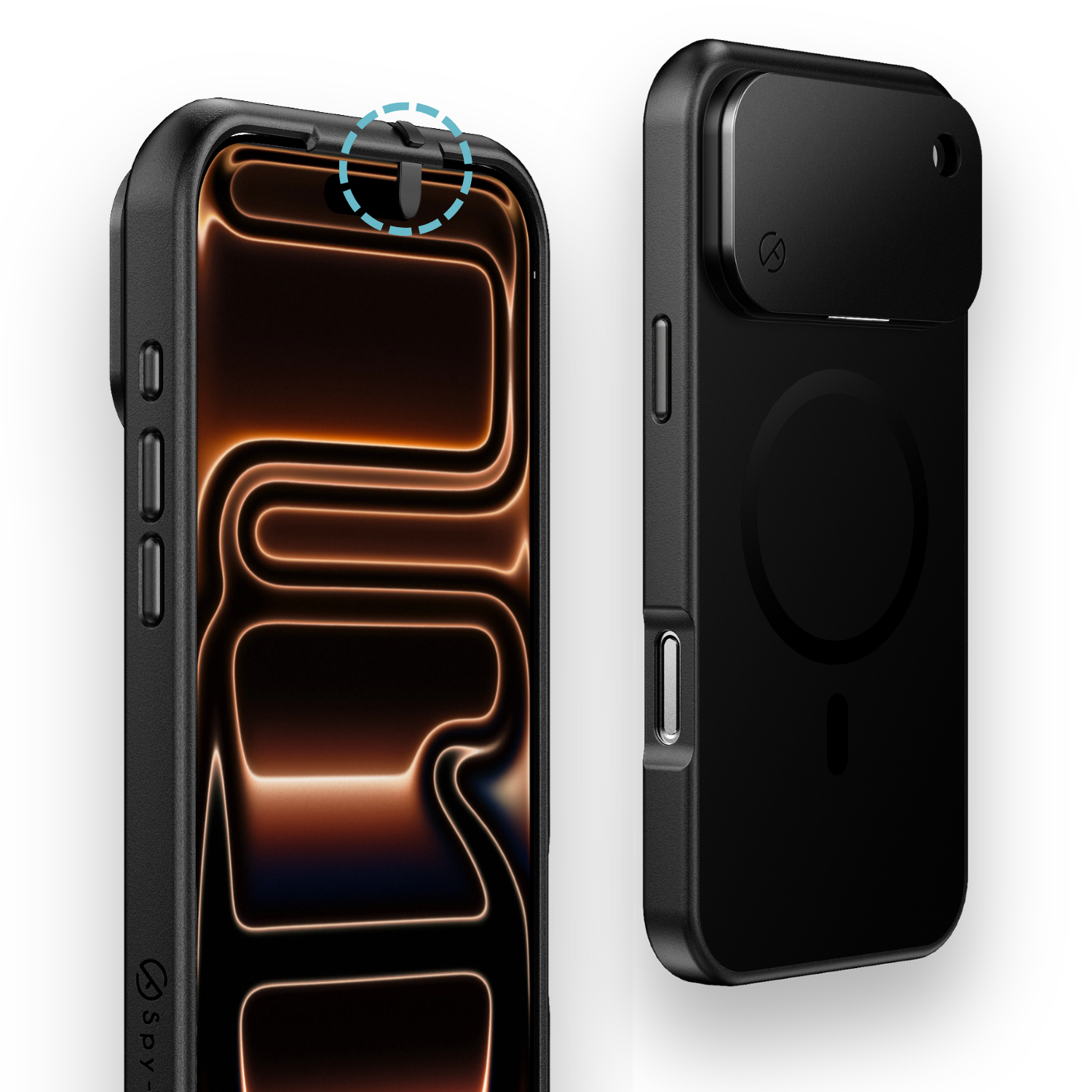
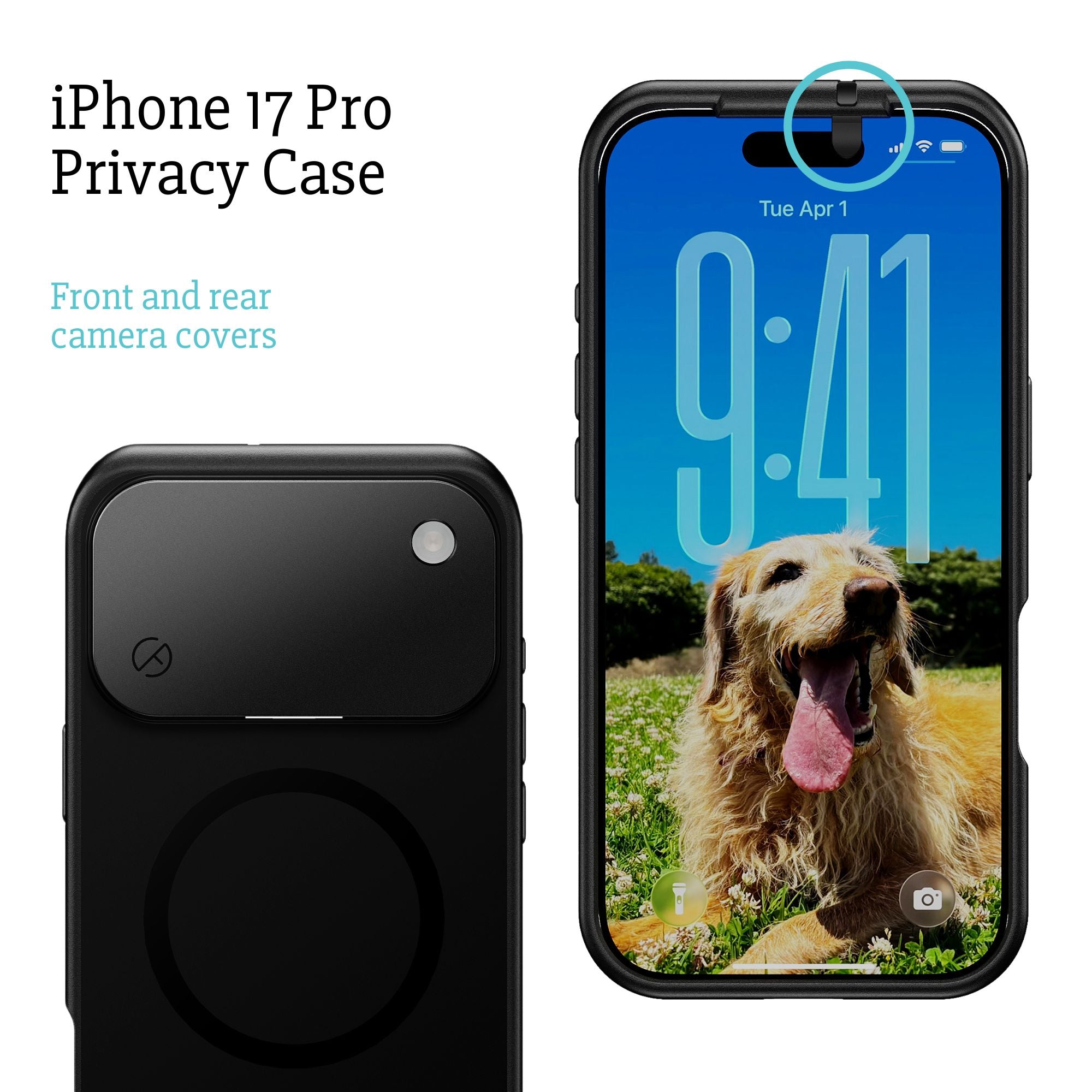
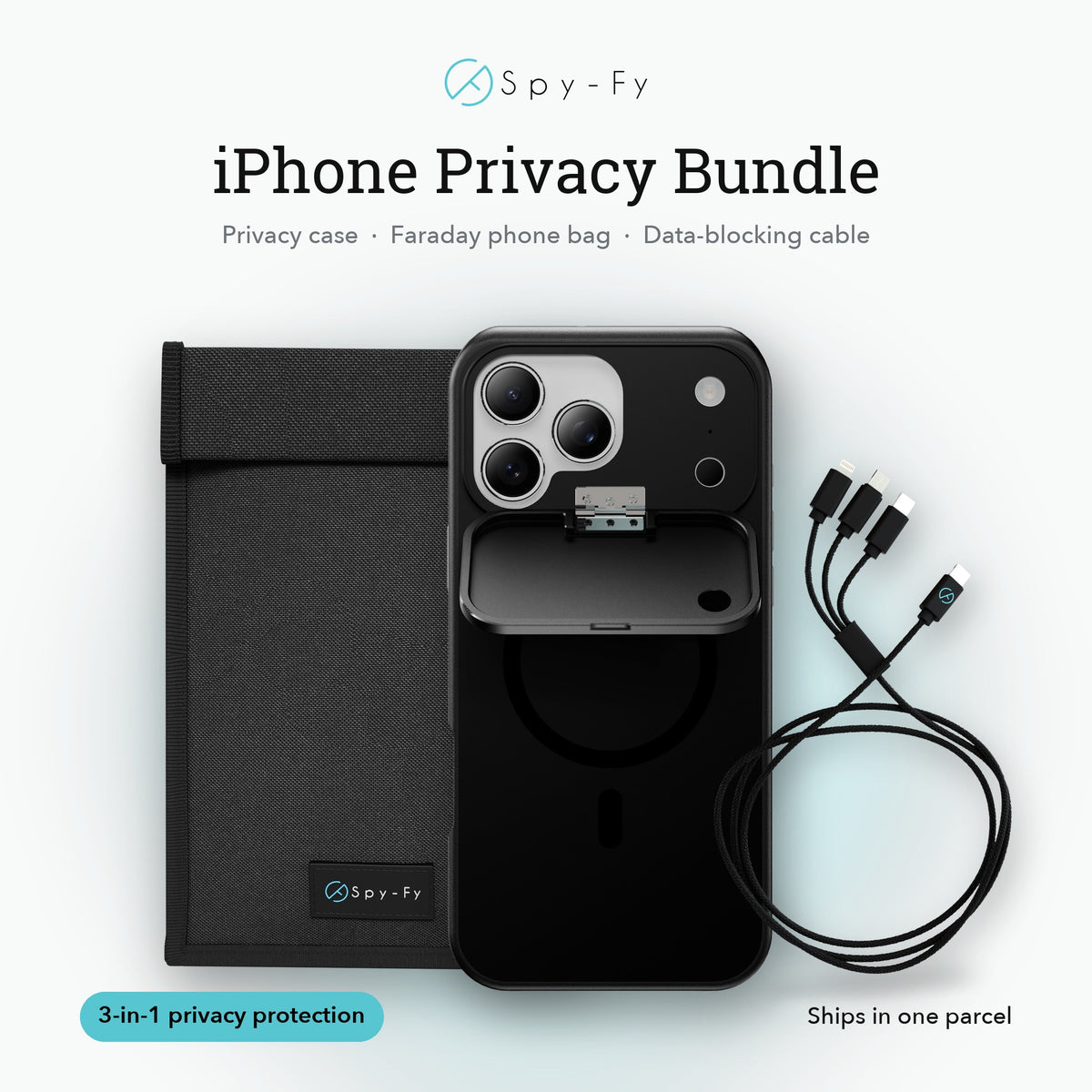
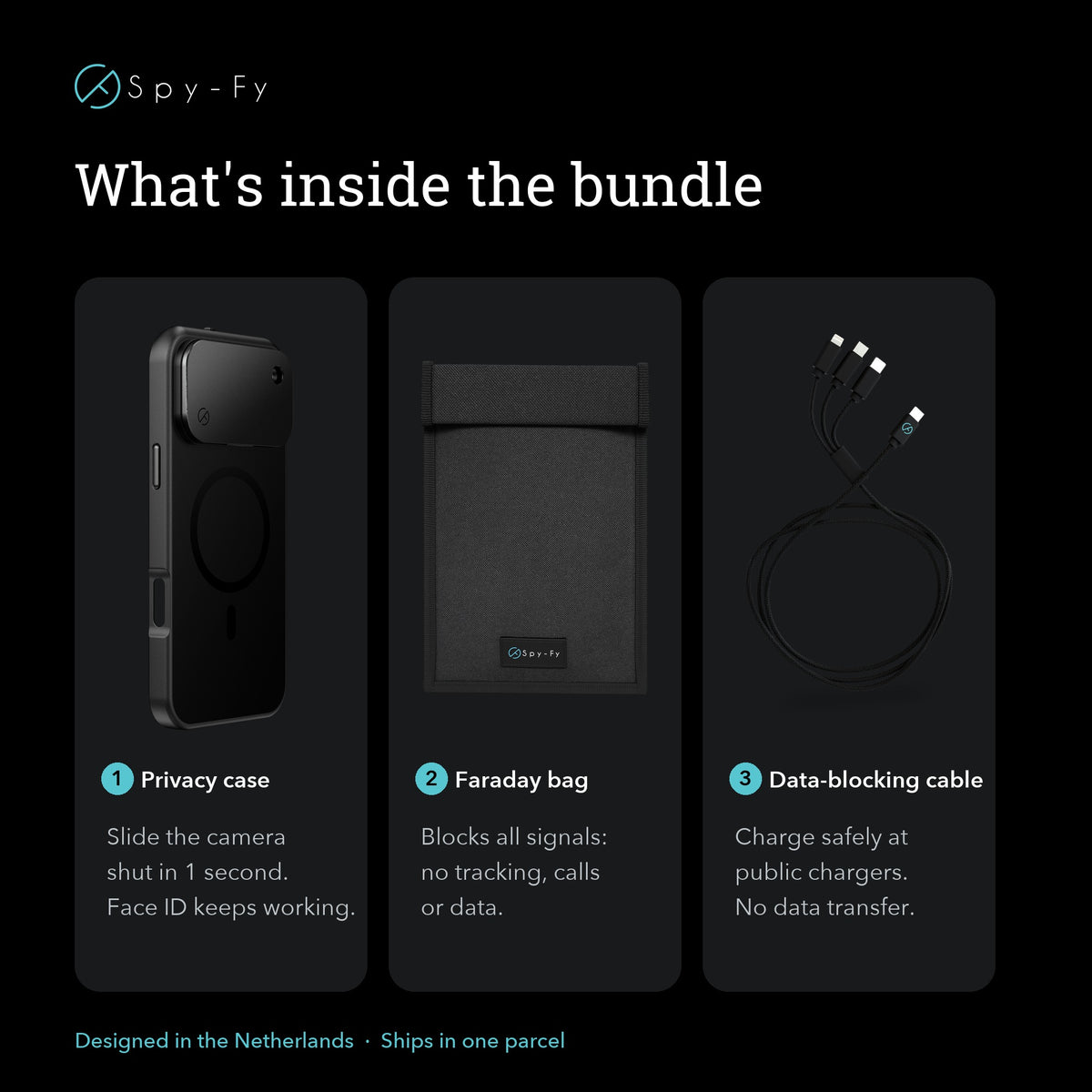
For anyone shopping accessories now, the safest bet is a case that fits the new phone without blocking MagSafe. The iPhone 18 Pro privacy case keeps the magnet ring for full wireless charging while covering the cameras physically.
iPhone 18 charger type
The iPhone 18 Pro uses a USB-C charger, the same connector Apple has used since the iPhone 15. There is no reason to expect the standard iPhone 18, due in spring 2027 under Apple's new two-window release rhythm, to differ; our explainer on why Apple is splitting its iPhone launch in two covers that timing. EU rules have required USB-C on new smartphones sold in the bloc since December 2024, which effectively locks Apple's global roadmap.
What changed is the speed, not the connector. Apple rates the iPhone 18 Pro at 50% in about 15 minutes wired, faster than the 40W peak of the iPhone 17 Pro and well above the roughly 27W ceiling of the iPhone 15. Apple ties that figure to a 60W-capable USB Power Delivery (USB-PD) adapter, so plan on an adapter rated at 60W or higher and a USB-C cable that can carry the current cleanly.
A widespread misconception says any USB-C cable will do. It will charge, but slower cables cap the wattage. For iPhone 18 fast charging, look for a USB-C to USB-C cable rated at least 60W, ideally 100W or 240W, with USB 3.2 or USB4 data support if you also transfer files. Apple's own woven USB-C cable is a safe default. Older iPhone 15, 16, and 17 chargers will still work with the iPhone 18, just at slower speeds if they are under 60W.
iPhone 18 charging port
The iPhone 18 Pro charging port is USB-C, positioned on the bottom edge of the device between the speaker grilles, matching the layout Apple has used since the iPhone 15. The port supports both power delivery and data transfer, fast enough to record 4K ProRes at 120 fps straight to external storage. The port is also where most of the security risk lives, which is where mainstream iPhone 18 charger coverage stops short.
Charging on public USB ports
Any USB-C port that can deliver power can also carry data. Public charging stations in airports, hotels, and conference centers have been flagged by the FBI as vectors for juice jacking, where a compromised port silently attempts to pull files, install spyware, or clone device identifiers while the phone appears to be charging normally. iOS shows a "Trust This Computer" prompt when data transfer is attempted, but attackers have used timing tricks and reused trust tokens to get around it, and a tired traveler tapping through prompts is the weak point the attack relies on.
The practical defense is a USB data blocker, a small adapter that sits between your cable and the port. It passes the power pins through and physically disconnects the data pins, so the phone charges and nothing else happens. For a deeper look at how these adapters work, our overview of USB data blockers for iPhone covers the wiring and the threat model in detail. Executives who travel weekly should carry one in the same pouch as their charger.
iPhone 18 magnetic charger
The iPhone 18 magnetic charger is the next generation of Apple's MagSafe system, which uses a ring of magnets on the back of the phone to align a wireless charging puck. Apple did not announce a new MagSafe wattage for the iPhone 18 Pro, so the 25W ceiling introduced with the iPhone 17 line remains the reference, using a compatible MagSafe or Qi2 25W charger and, for Apple's 50% in about 30 minutes figure, a 35W or higher USB-C power adapter.
The viral TikTok claim that the iPhone 18 would ditch USB-C entirely and use only a Mac-style MagSafe port was a hoax, and the September event settled it: the iPhone 18 Pro has a USB-C port. MagSafe is an addition, not a replacement.
The practical takeaway: any current MagSafe charger you already own will work with the iPhone 18. To hit the 25W wireless peak you will need Apple's current MagSafe Charger or a Qi2 25W (Qi2.2) accessory paired with a 35W or higher USB-C wall adapter. Cheaper Qi pads will charge but usually cap at 7.5W or 15W.
What does the iPhone 18 charger look like?
The iPhone 18 Pro charger is not included in the box. Apple stopped shipping wall adapters with iPhones in 2020 and has not reversed course. What you get is a USB-C to USB-C cable, typically the woven braided version Apple introduced with the iPhone 15.
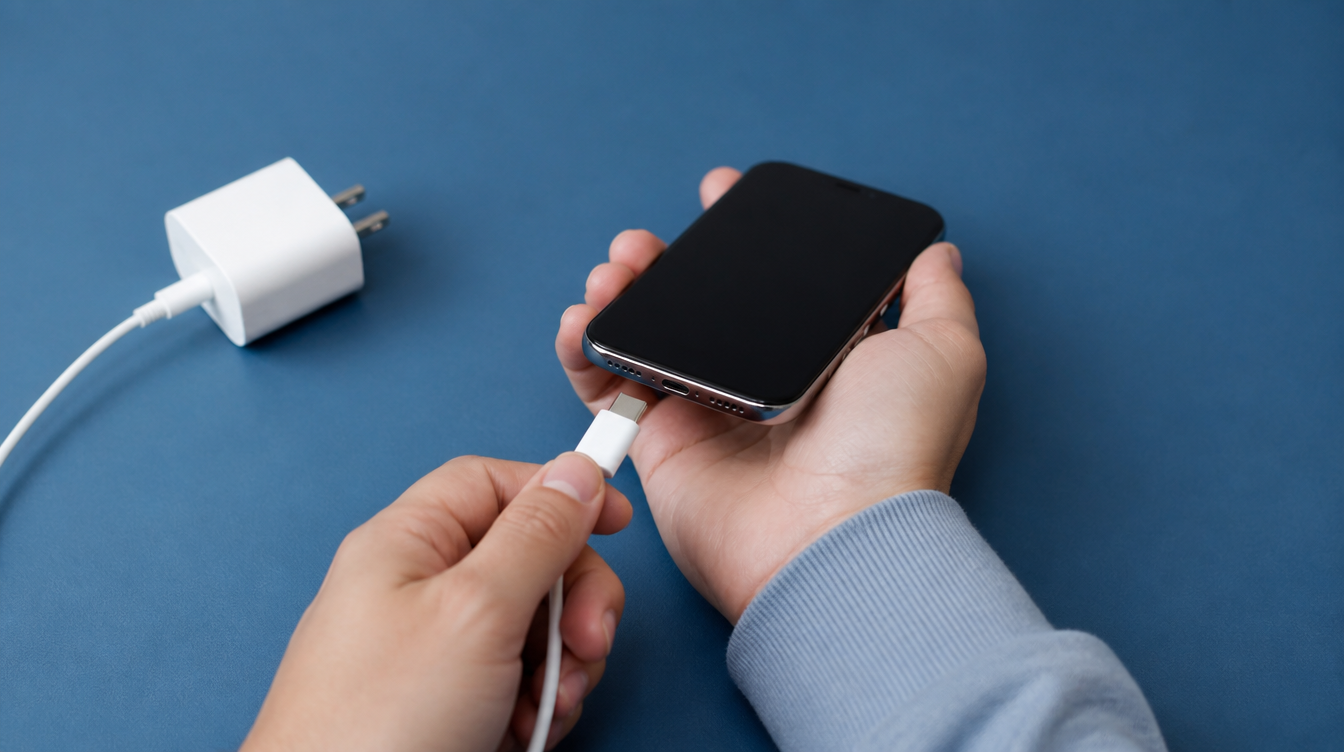
The wall adapter you buy separately will look like Apple's current 20W, 30W, or higher USB-C Power Adapter: a small white cube with a single USB-C port on the front and folding prongs (in the US) or fixed prongs (internationally). For MagSafe, the puck is a flat white disc about the size of a large coin, with a captive USB-C cable and a magnetic face that clicks onto the back of the phone.
Here is a quick reference for what to buy:
| Component | Minimum spec | Recommended spec |
|---|---|---|
| Wall adapter | 20W USB-C PD | 60W USB-C PD (for wired fast charging) |
| USB-C cable | 60W-rated USB-C to USB-C | 100W or 240W-rated, USB 3.2 or USB4 |
| MagSafe puck | Qi2, 15W | Apple MagSafe Charger or Qi2 25W (Qi2.2) |
| Travel security | USB data blocker | Data blocker + own cable, never borrow |
Charging the iPhone 18 safely in public
Fast charging is useful; charging in the wrong place is a security incident. If you plug into a hotel lobby USB-C port, an airport charging kiosk, or a rental car's built-in cable, you are trusting an unknown device with data access to your phone. iOS will prompt you to "Trust This Computer" if data transfer is attempted, but attackers have used timing tricks and reused trust tokens to get around the prompt.
Three habits reduce the risk to near zero. First, always carry your own cable and wall adapter and plug into an AC outlet, not a USB port. Second, if AC is not available, use a USB data blocker between your cable and the public port. Third, never accept a "free" cable from a conference booth, hotel front desk, or airport kiosk, malicious cables with hidden Wi-Fi and keystroke-injection chips have been documented and sell openly online for under $100.
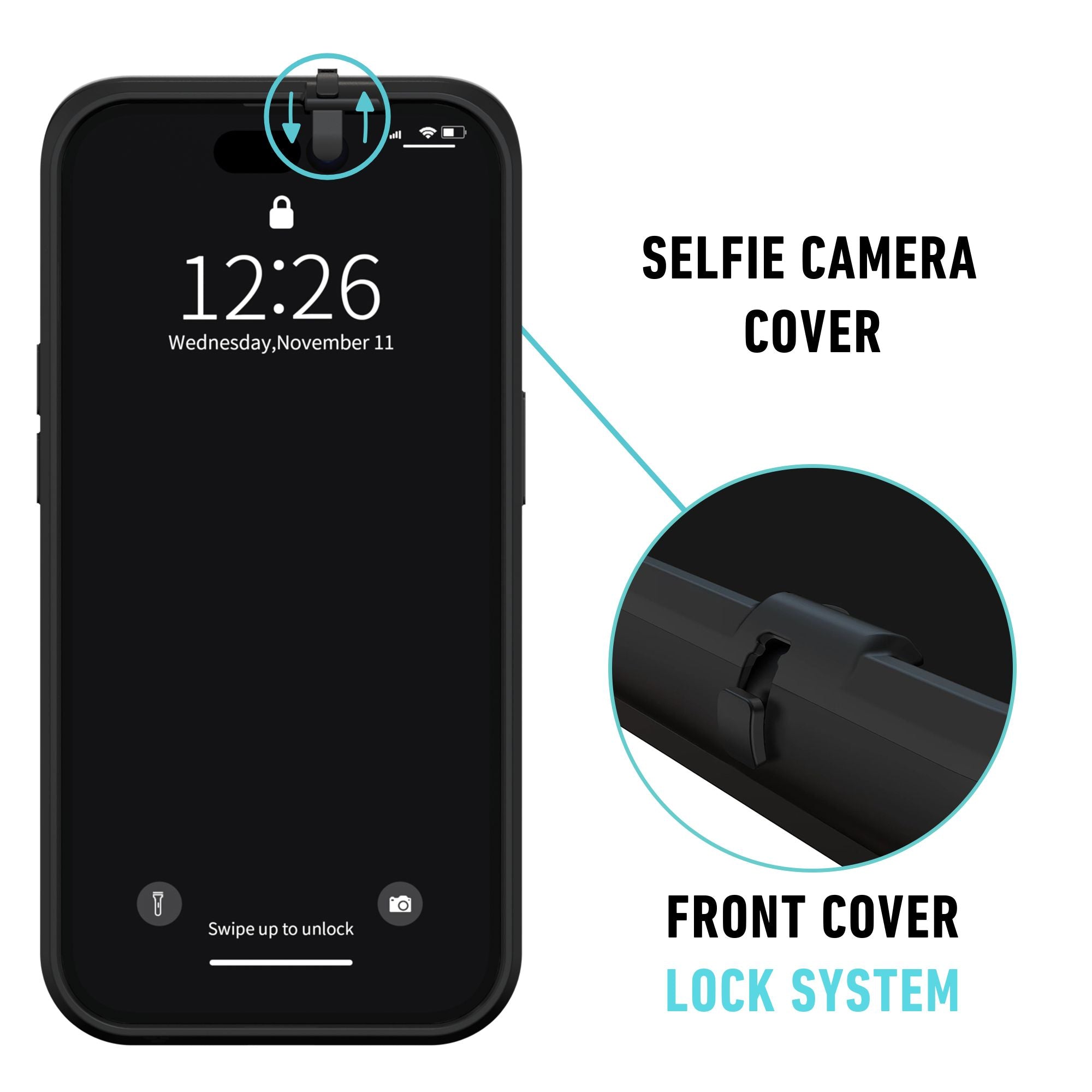
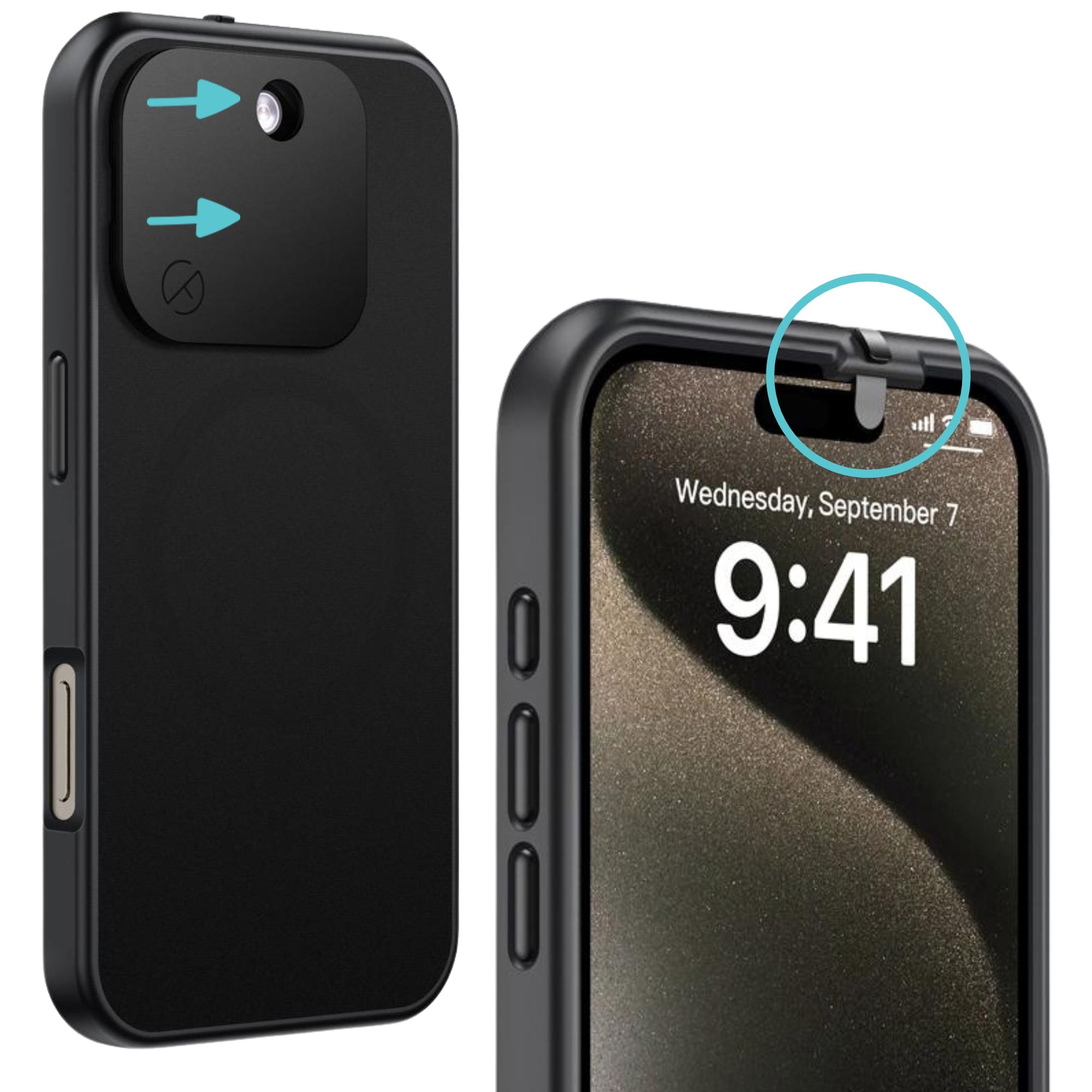
Camera and microphone privacy matter here too. Charging in a public café means your phone sits face-up on a table for 30 to 60 minutes. A physical camera cover on the case removes any question about what the front lens can see, and it works whether the phone is locked, unlocked, updating, or compromised. Our companion piece on what the iPhone 18 Pro sees and hears covers the camera and microphone side, and we have covered how to detect iPhone camera compromise for readers who want to understand the software-side indicators.
Will your existing charger work with the iPhone 18?
Yes. Any USB-C charger and cable from the iPhone 15, 16, or 17 generation will charge the iPhone 18 Pro. You will just charge slower if the adapter is under 60W. Any existing MagSafe puck will also work, capped at whatever wattage the puck supports (typically 15W on older MagSafe chargers, 25W on Apple's current MagSafe Charger and Qi2 25W accessories).
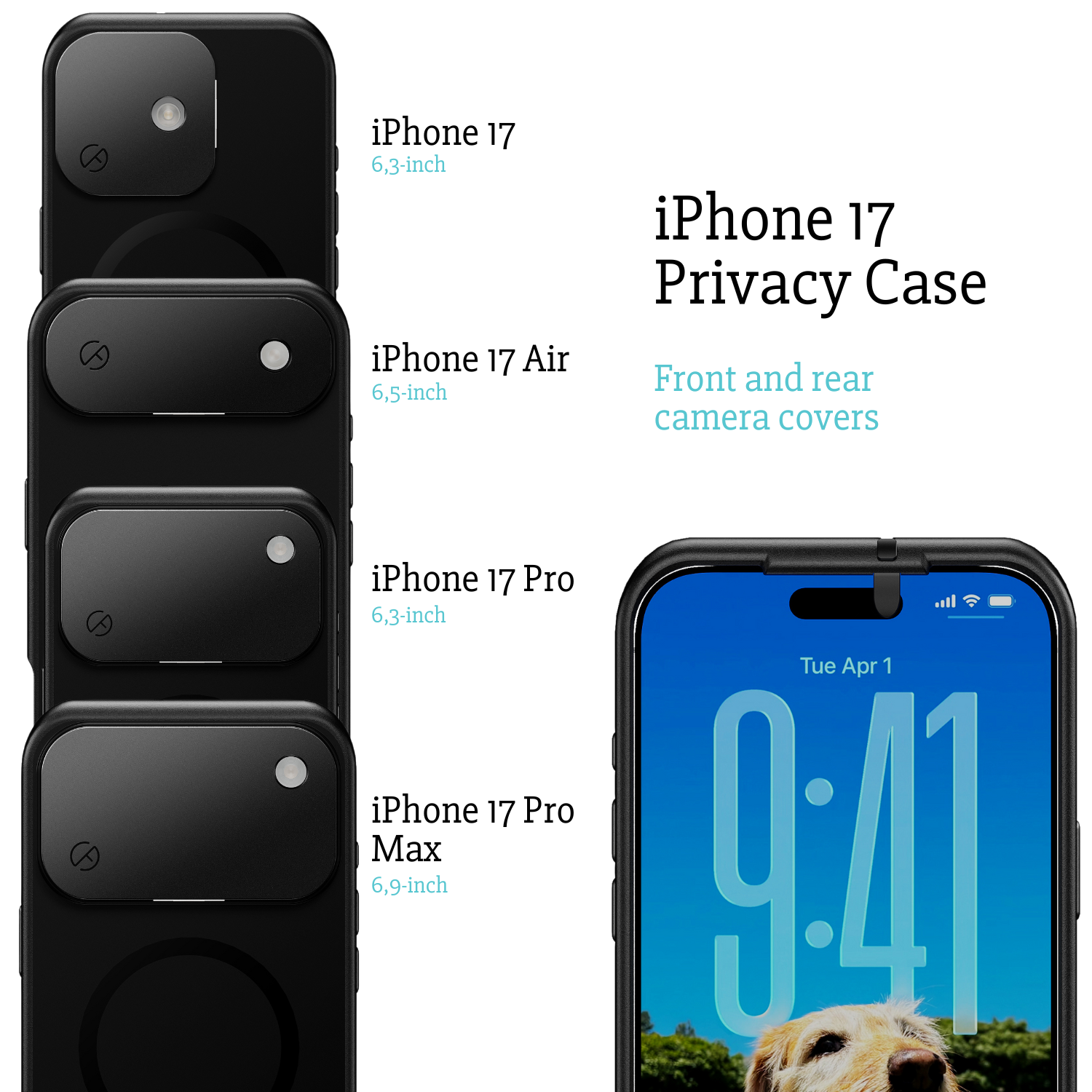
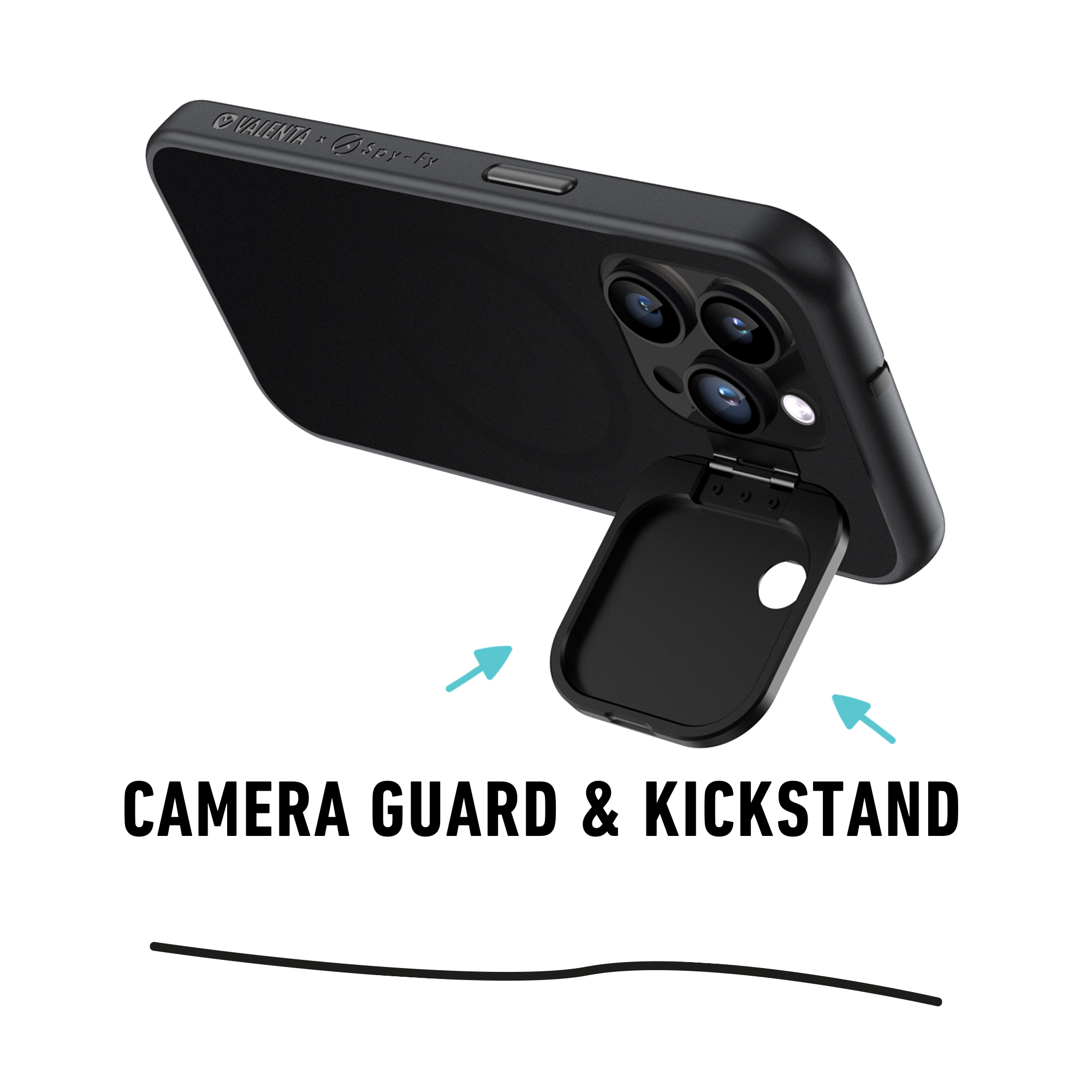
The bigger question for most buyers is what case they will pair with the new phone. MagSafe alignment depends on the case having the correct internal magnet ring, and camera privacy depends on a physical cover, not a software toggle. Spy-Fy's case for the iPhone 18 Pro and Pro Max is built around both requirements: a magnet ring, a sliding front cover, a flip rear cover and a kickstand, so charging and camera privacy do not compete.
The bottom line on the iPhone 18 charger
USB-C wired with 50% in about 15 minutes, MagSafe at up to 25W wireless, no charger in the box, and full backward compatibility with your existing iPhone 15/16/17 accessories. The TikTok claims about Apple removing USB-C were wrong. Focus your accessory spend on a properly rated cable, a 60W or higher wall adapter, and a data blocker for travel.
Charging speed is one variable. Charging safely, without exposing your camera, microphone, or data to whoever built the port you plugged into, is the harder one. The iPhone 18 Pro Max case with camera cover pairs a physical camera cover with a MagSafe-ready shell, so your iPhone 18 Pro charges fast and stays private wherever you plug it in.