If you are asking "am I being watched through my phone," the honest answer is: probably not by a stranger, but possibly by someone with physical or account access to your device. Most phone surveillance happens through stalkerware installed by a partner or ex, malicious apps with overreaching permissions, or compromised iCloud and Google accounts. Random hackers watching you through your camera makes for good headlines, but it is rare. Targeted surveillance by someone close to you is far more common.
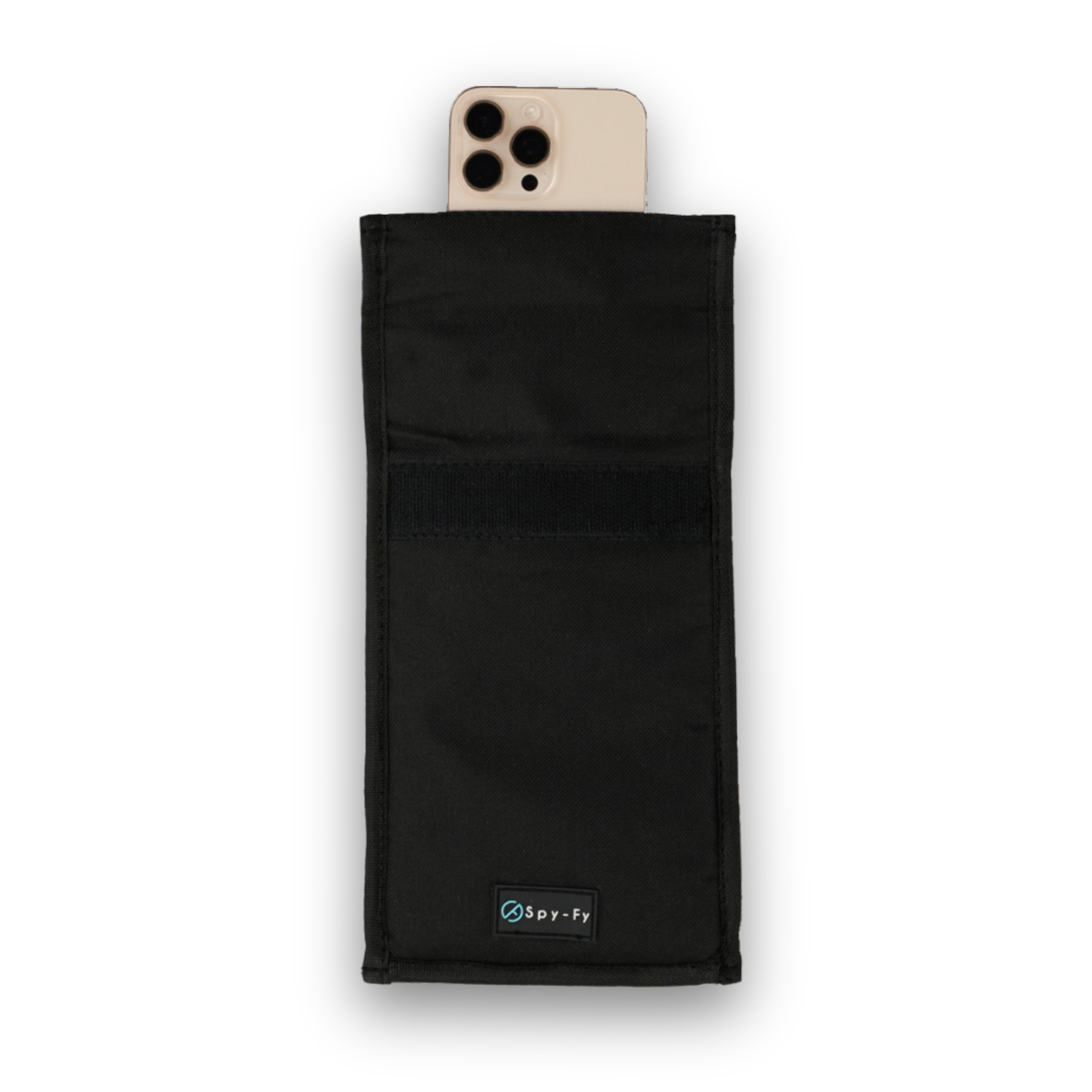
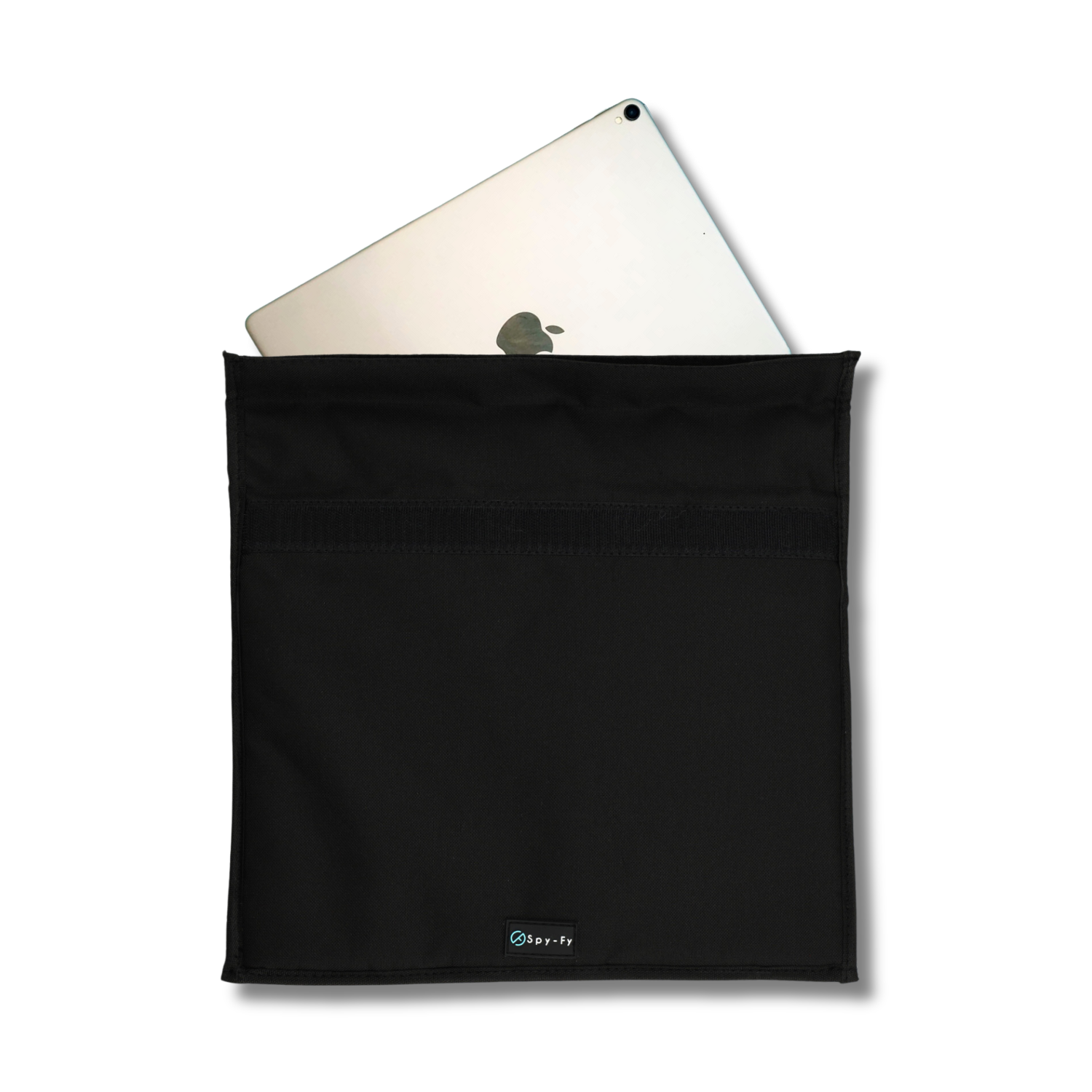
This guide is written for people who have a real reason to worry: domestic abuse survivors, journalists protecting sources, executives handling sensitive deals, healthcare workers under HIPAA, and anyone who shares a household or workplace with someone who might cross a line. We will walk through the signs that matter, the signs that do not, and the steps that actually shut surveillance down. For a hardware-level baseline that does not depend on any software working correctly, the Spy-Fy privacy case collection is the foundation most guides skip.
One note before we start. If the feeling that you are being watched is constant, overwhelming, and not tied to specific evidence, that is worth talking to a mental health professional about. Privacy concerns are valid. So is anxiety. The two can coexist, and sorting them out is healthier than spiraling alone.
What being watched through your phone actually means
Phone surveillance falls into four categories, and they require different responses:
- Stalkerware: commercial spyware apps (mSpy, FlexiSpy, Cocospy, and similar) installed by someone with physical access to your unlocked phone. This is the most common form of personal surveillance.
- Account compromise: someone has your iCloud or Google password and is reading your messages, location, and photos from a browser. No app on your phone, no signs on the device itself.
- Malicious apps: legitimate-looking apps from the App Store or sideloaded onto Android that abuse camera, microphone, or screen-recording permissions.
- Targeted exploits: zero-click spyware like Pegasus. Real, but used almost exclusively against journalists, activists, and government targets. If you are not in those categories, this is not your threat.
For a deeper breakdown of how iPhones get compromised through messaging, our explainer on whether someone can hack your iPhone through a text message walks through the realistic attack surface.
Real signs someone is watching you through your phone
These are the indicators that hold up under scrutiny. Any one of them on its own means little. Two or three together is a pattern worth investigating.
The camera or microphone indicator activates when you are not using them
On iOS, a green dot in the top-right corner means the camera is active. An orange dot means the microphone is active. On Android 12 and later, the same indicators appear. If you see either dot when no app should be using the camera or mic, swipe down and check which app triggered it. We cover this in detail in our piece on what the iPhone camera dot really tells you about your privacy.
Battery drains noticeably faster than it used to
Spyware runs in the background, streaming data, location, and sometimes audio. That burns battery. If your iPhone used to last a full day and now dies by 4 p.m. with no change in your habits, check Settings then Battery to see which apps are consuming the most. Unknown or recently installed apps near the top are a red flag.
The phone is warm when idle
A phone sitting on your desk doing nothing should not be hot. Background surveillance processes generate heat. This is one of the most reliable signs because it is hard to fake and easy to verify.
Data usage spikes without explanation
Stalkerware uploads recordings, screenshots, and location data to a remote server. Check Settings then Cellular on iOS, or Settings then Network and Internet then Data Usage on Android, and look at which apps used the most data in the last month. A system service or unfamiliar app at the top of the list deserves attention.
Apps you do not remember installing
Scroll through every app on your phone. On iOS, swipe to the App Library to see everything, including apps hidden from the home screen. If you see something you do not recognize, search the name. Many stalkerware tools disguise themselves as "System Service," "Device Health," or generic utility names.
Strange behavior during calls or messages
Echoes, clicks, or background static during calls can indicate interception, though modern VoIP audio quirks cause the same symptoms. More telling: text messages with strings of random characters, or messages that appear to have been read before you opened them.
Your phone lights up or makes sounds at random
If the screen wakes when no notification arrived, or you hear notification sounds with no visible alert, something is running in the background. Combine this with battery drain and you have a real signal.
Signs that do not actually mean much
A lot of advice online treats normal phone behavior as evidence of hacking. To save you the anxiety:
- Dialing *#21# does not reveal spyware. It shows call-forwarding settings, which is unrelated.
- Ads that match a conversation you just had: usually explained by browsing history, location data, and ad targeting, not microphone snooping.
- Slow performance on an older phone: more likely an aging battery or a full storage drive than spyware.
- The occasional weird notification: push notifications glitch. One odd alert is not a pattern.
Our breakdown of how to know if someone is hacking into your iPhone camera goes deeper on separating real indicators from noise.
How surveillance actually gets onto your phone
Understanding the entry point tells you where to look.
Physical access to your unlocked device
This accounts for the majority of stalkerware cases. Someone borrows your phone "to make a quick call," or knows your passcode, and installs monitoring software in under five minutes. If your passcode is shared with a partner, family member, or coworker, treat it as compromised.
iCloud or Google account access
If someone knows your Apple ID or Google password, they do not need your phone at all. They can see your photos, messages, location history, and contacts from any browser. Check Settings then your name then Devices on iOS to see every device signed into your account. Remove anything you do not recognize.
Malicious or overreaching apps
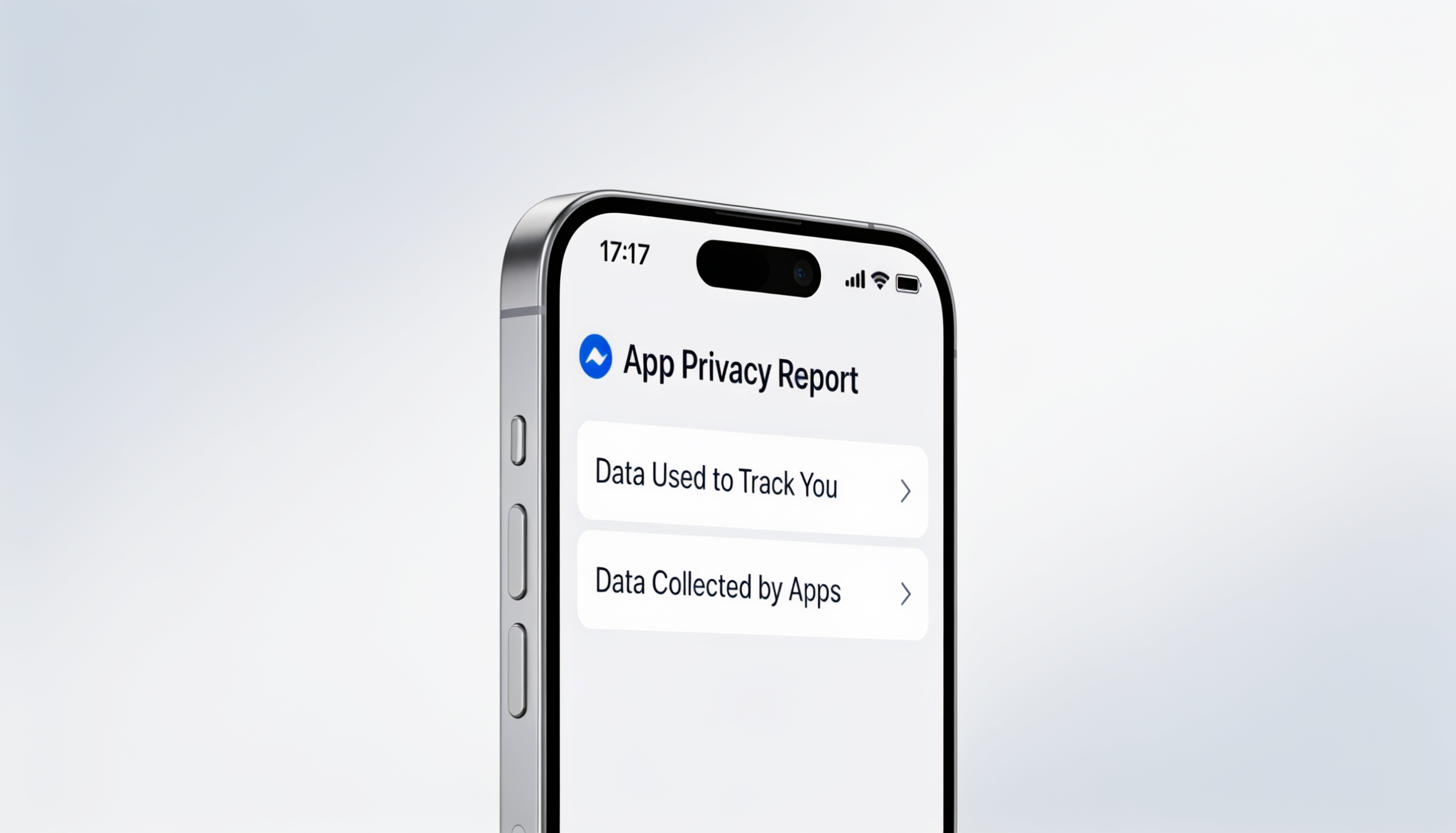
Apps that ask for camera, microphone, location, and contacts permissions when they have no business needing them. A flashlight app does not need your microphone. Audit permissions in Settings then Privacy and Security on iOS, or Settings then Privacy then Permission Manager on Android.
Phishing links
Clicking a malicious link in a text or email can install profile-based surveillance, especially on Android. iOS is more restrictive but not immune. If you tapped something you should not have, treat the device as suspect.
What to do if you think you are being watched
Take these steps in order. Do not skip the early ones.
- Audit your accounts before the device. Change your Apple ID or Google password from a different device. Enable two-factor authentication. Review signed-in devices and remove anything unfamiliar.
- Review installed apps and permissions. Delete anything unfamiliar. Revoke camera, microphone, and location permissions for apps that do not need them.
- Update your operating system. Most stalkerware exploits known vulnerabilities. A current iOS or Android version closes them.
- Run a security scan. Built-in tools like iOS Safety Check (Settings, Privacy and Security, Safety Check) help reset who has access to what. On Android, Google Play Protect runs automatically but can be triggered manually.
- Factory reset as the nuclear option. If you cannot identify the source but signs persist, back up your photos and contacts, wipe the device, and restore as new (not from a backup that might re-introduce the spyware).
- Cover the camera physically. Software cannot bypass a piece of opaque material over the lens. This is the only defense that works regardless of what is running on the device.
For ongoing protection rather than one-time cleanup, the best privacy apps for iPhone guide covers the software side, while the iPhone 17 privacy case lineup handles the hardware side.
Why a physical camera cover is the final layer
Every software-based defense relies on a chain of trust: the operating system is up to date, no malicious profile is installed, every app's permissions are correctly configured, no zero-day exploit is in play. Most of the time, that chain holds. Sometimes it does not.
A physical cover does not care about any of that. If the camera lens is blocked, no software, no exploit, no compromised account, and no insider with your passcode can see through it. Mark Zuckerberg tapes his webcam. Former FBI director James Comey said in 2016 that he covers his too. They have access to the best security advice in the world, and they still chose physical defense for the camera.
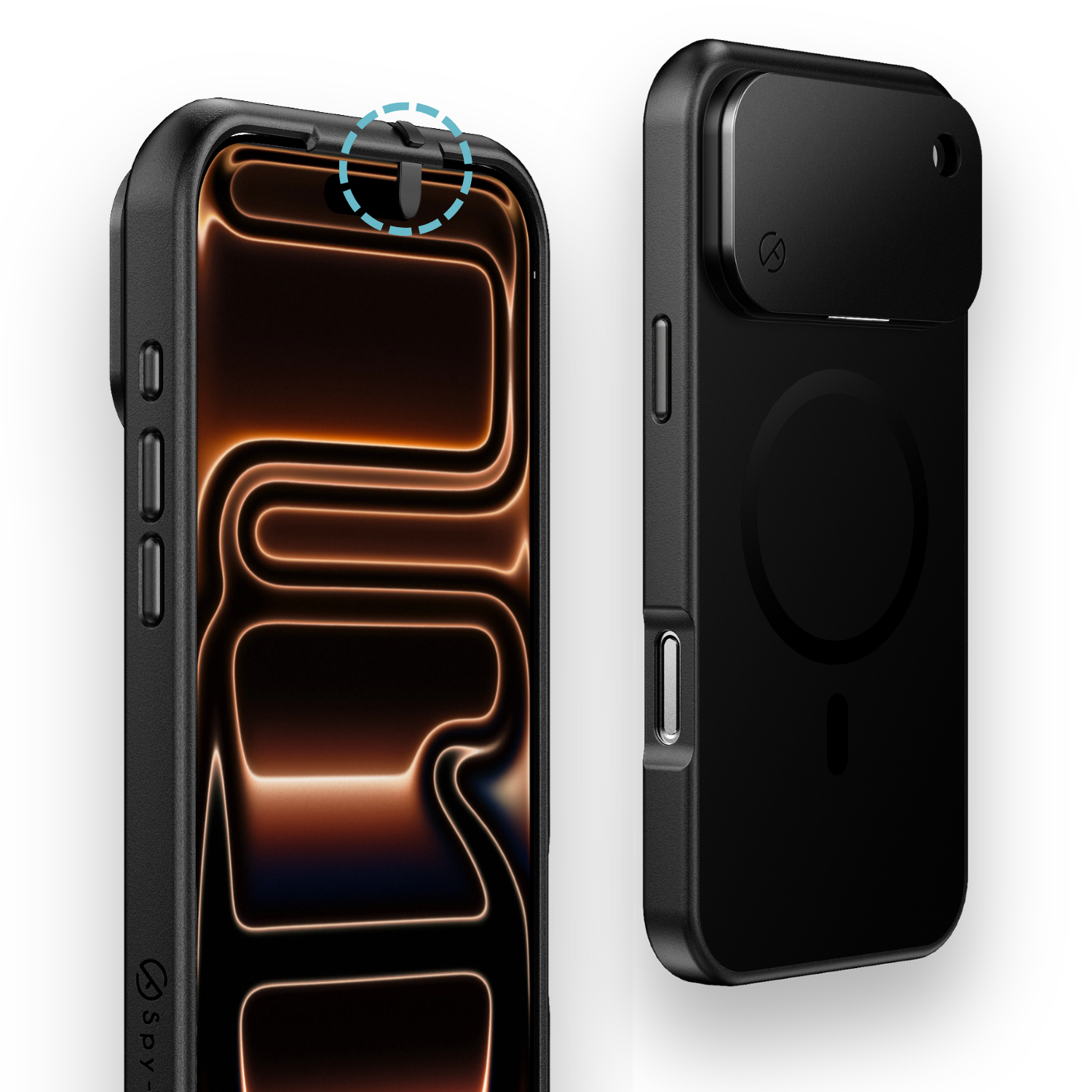
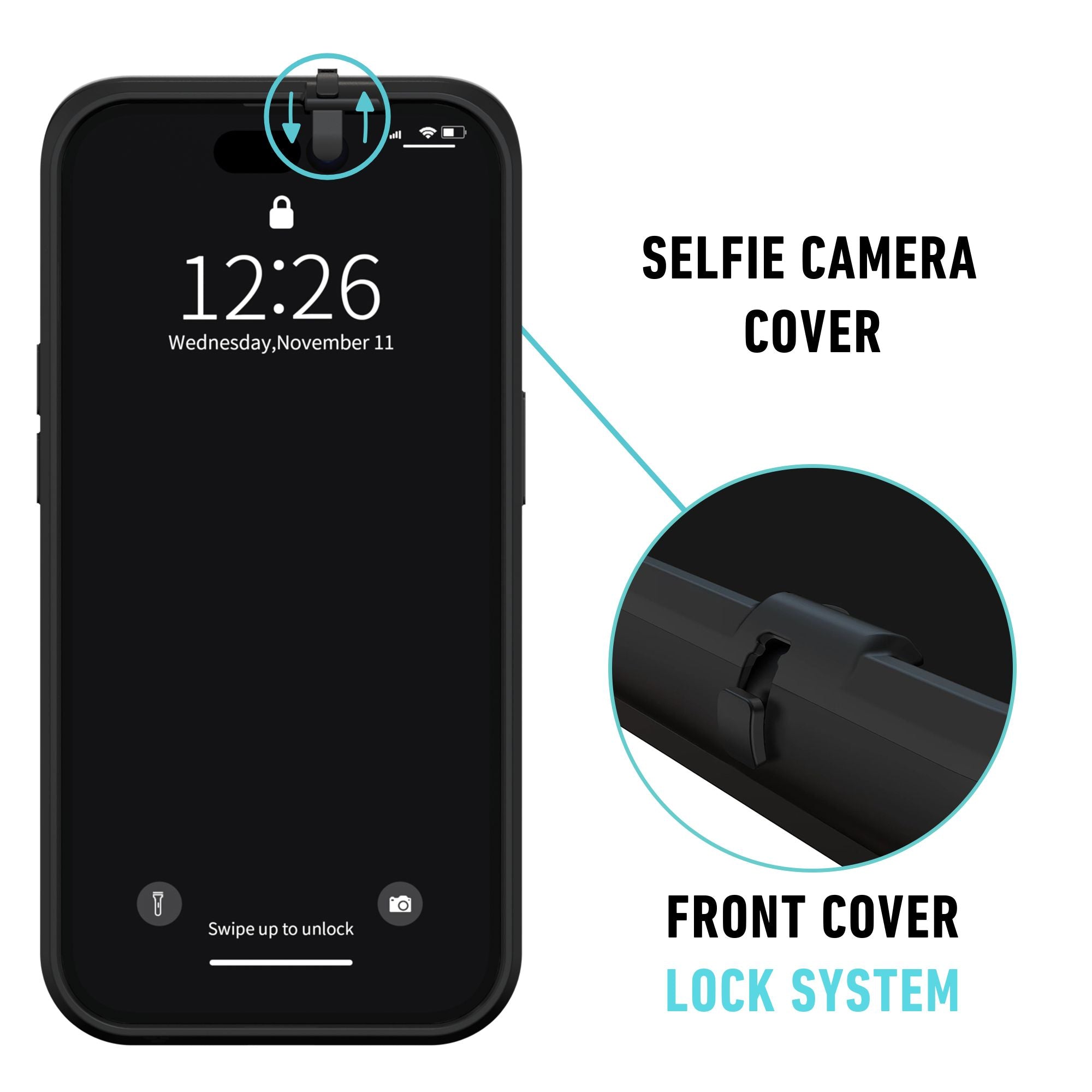
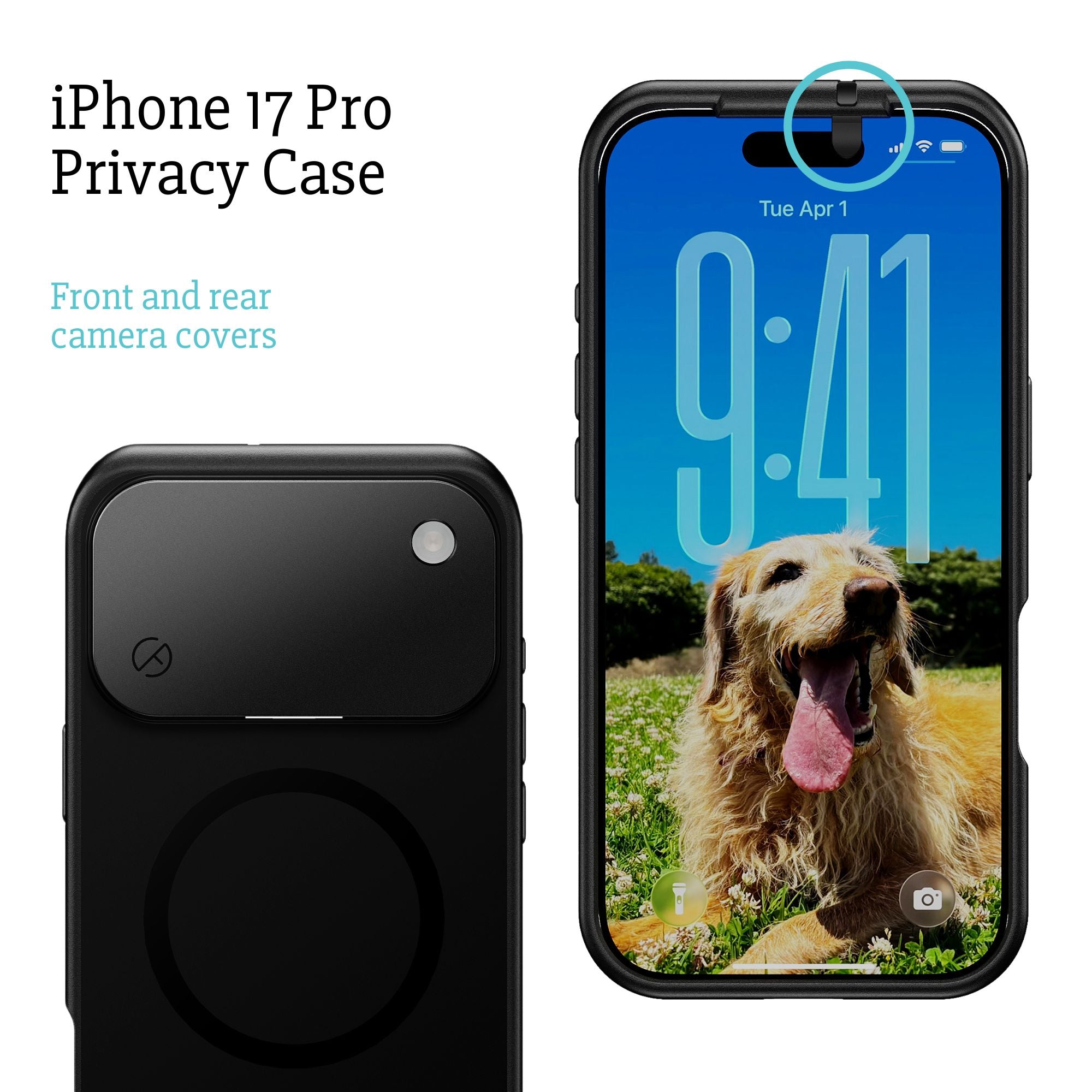
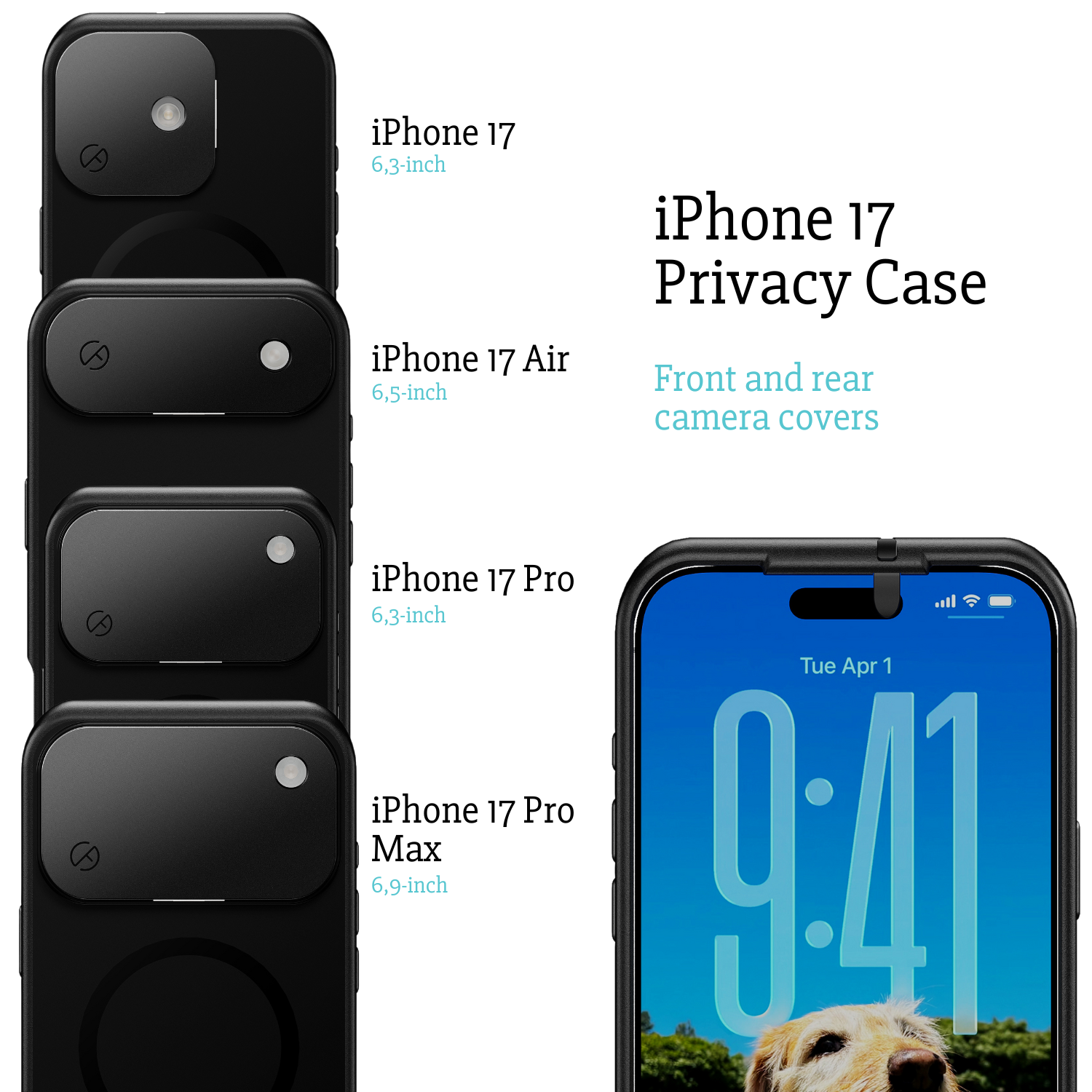
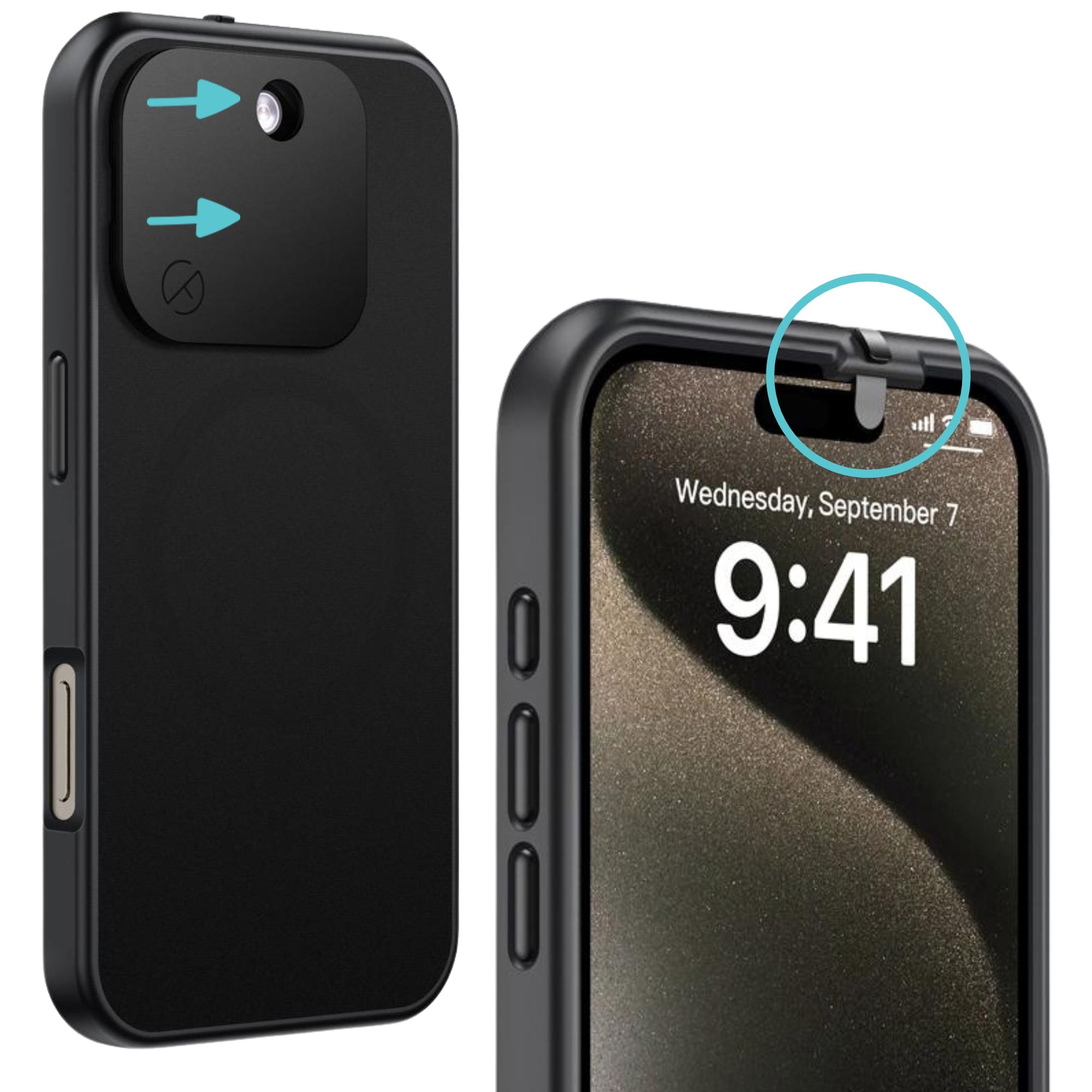
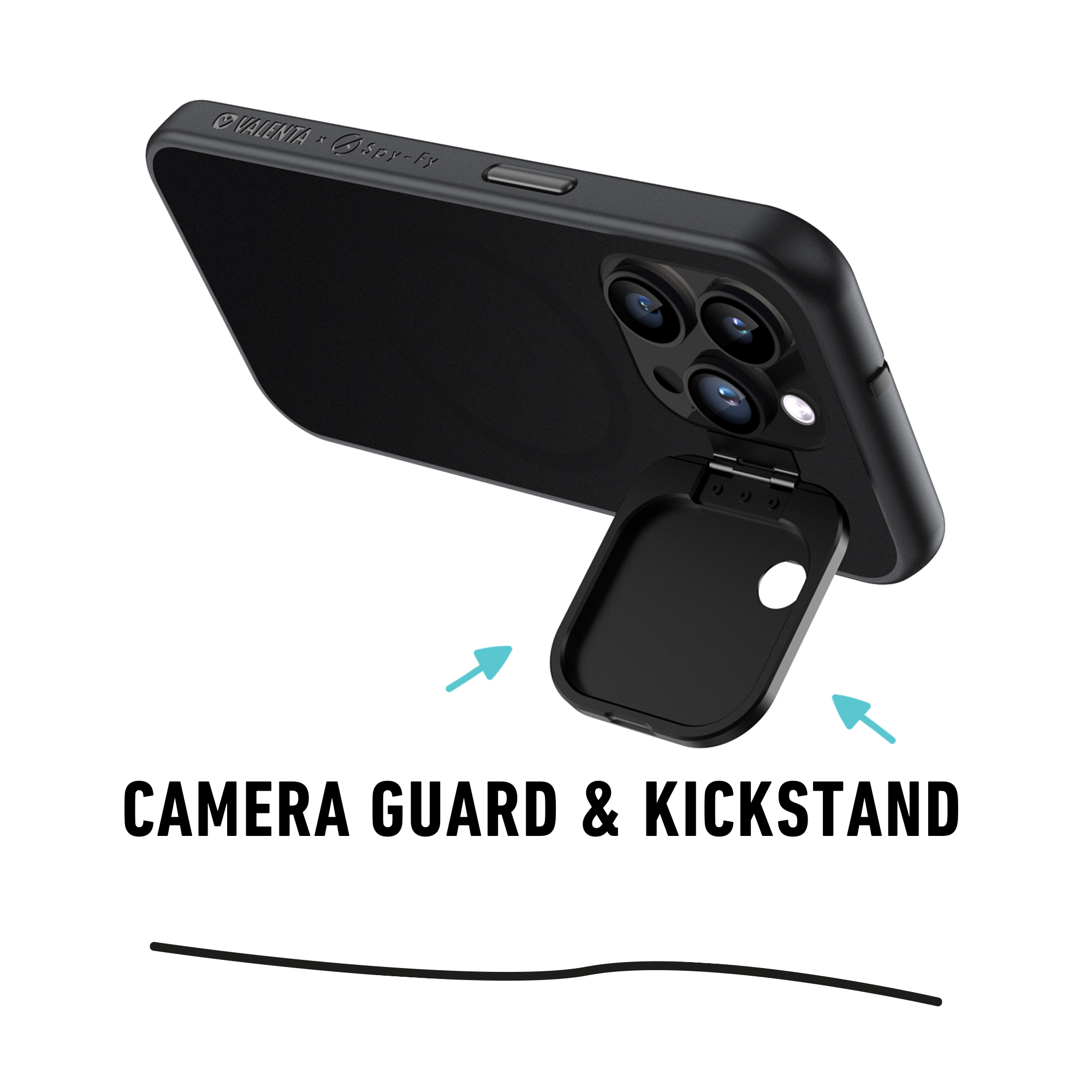
Spy-Fy iPhone privacy cases have built-in sliding covers for both the front and rear cameras. The front cover slides closed when you are not using Face ID and slides open instantly when you are. The rear cover flips over the lens array while leaving the flashlight usable. No software, no app, no permissions to misconfigure. Just a physical barrier that works the same way every time.
The honest takeaway
Most people asking "am I being watched right now" are not being targeted by a sophisticated attacker. They are dealing with one of three things: a real stalkerware situation involving someone they know, an account-level compromise, or anxiety that has latched onto a real but unlikely threat. Working through the signs methodically tells you which one you are dealing with.
If the signs check out and you find evidence of surveillance, address the access point first (passwords, accounts, who has your passcode), then clean the device, then add the physical layer that does not depend on anything else working correctly. Browse the full range of Spy-Fy privacy cases to add that final layer. The peace of mind comes from knowing the camera cannot see you when you have decided it should not, regardless of what else is happening on the device.